
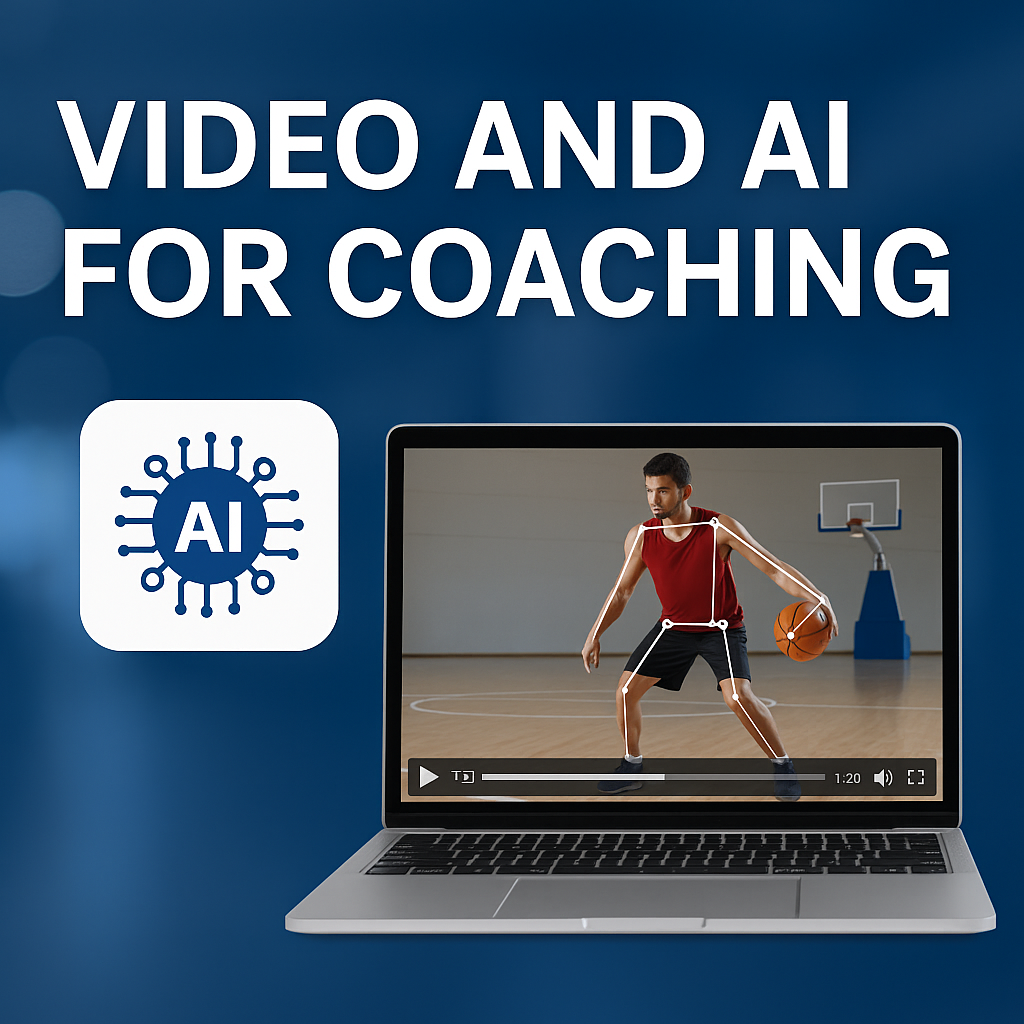
Integrating video and AI into your coaching practice can transform how you teach, analyze, and engage with athletes—making feedback more precise, personalized, and scalable. Below is an overview of the key ways to leverage video + AI, examples of leading tools, and best practices for implementation.
1. Automated Video Analysis & Motion Tracking
AI-powered video platforms can automatically detect and quantify an athlete’s movements—joint angles, speeds, posture—using computer vision and pose‑estimation algorithms. This allows coaches to:
Capture biomechanical insights (e.g., joint flexion angles in a baseball swing) without manual frame‑by‑frame analysis.
Track progress over time with objective metrics (e.g., average knee‑extension velocity) to tailor training loads.
Tools & Examples:
CoachNow’s AI-Enabled Skeleton Tracking overlays a skeletal model on uploaded videos, so coaches can pinpoint technique flaws and communicate corrections visually coachnow.io.
Sportsbox AI offers 2D/3D analysis for any filmed session—ideal for remotely monitoring swing mechanics or running gait analysis sportsbox.ai.
2. Real‑Time Analytics & Feedback
Some AI systems process live video feeds or rapid uploads to provide near-instant feedback during practice or competition. This can include automatic stat‑tracking, movement quality scores, or alerts when an athlete deviates from optimal technique.
Tools & Examples:
SportsVisio uses AI to generate in-game basketball statistics and cut highlight clips within minutes of uploading video—helping coaches make timely tactical adjustments sportsvisio.com.
Microsoft’s AI for Coaches integrates with common video tools to flag key events (e.g., sprint starts, shot releases) and auto-generate performance summaries Microsoft.
3. Highlight & Clip Generation
AI can sift through hours of footage to identify and extract the most relevant moments—top plays, technique errors, or tactical patterns—saving coaches and athletes countless hours of manual editing.
Use Case:
Automatically produce weekly highlight reels for athlete self‑review or recruitment portfolios.
Generate focused error compilations (e.g., all instances of dropping the elbow in a throw) for targeted drill design.
4. Talent Identification & Remote Scouting
Emerging platforms leverage mobile video and AI screening to democratize talent discovery—especially valuable for reaching underserved regions.
Case Studies:
Footbao (“the TikTok for aspiring footballers”) uses AI to pre‑screen uploaded skill videos, surfacing high‑potential youth players to scouts Financial Times.
Cuju standardizes skill assessments via AI‑analyzed exercise recordings, creating global leaderboards that feed into club recruitment pipelines Financial Times.
5. Implementation Best Practices
Start Simple: Use free or low‑cost tools (e.g., Kinovea for 2D tracking) to pilot workflows before scaling.
Ensure Data Privacy: Obtain athlete consent, anonymize sensitive footage, and comply with local regulations (e.g., GDPR).
Integrate Feedback Loops: Combine AI insights with coach observations—AI should augment, not replace, your expertise.
Optimize for Connectivity: For low‑bandwidth areas, consider on‑device processing tools or scheduled batch uploads.
6. Recommended Tool Suite
| Function | Tool | Cost | Key Feature |
|---|---|---|---|
| 2D Motion Analysis | Kinovea | Free | Manual/auto-tracking of joint markers |
| AI Skeleton Tracking | CoachNow | Freemium/Trial | Visual skeletal overlays on video coachnow.io |
| 3D Analysis & Remote Coaching | Sportsbox AI | Free trial | 3D reconstruction + annotated feedback sportsbox.ai |
| Real-Time Stats & Highlights | SportsVisio | Tiered subscription | Instant stat tracking & highlight reels sportsvisio.com |
| Event Detection & Summaries | Microsoft AI for Coaches | Included with M365 | Key-event tagging in familiar Office tools Microsoft |